 WorkoutPort
View and analyze Apple Health workouts, export workout files, and sync with Strava.
Visit the WorkoutPort website ↗
WorkoutPort Pro
Turn your workouts into personal cards and weekly or monthly recaps. Add photo, map or route backgrounds, then save your favorite style.
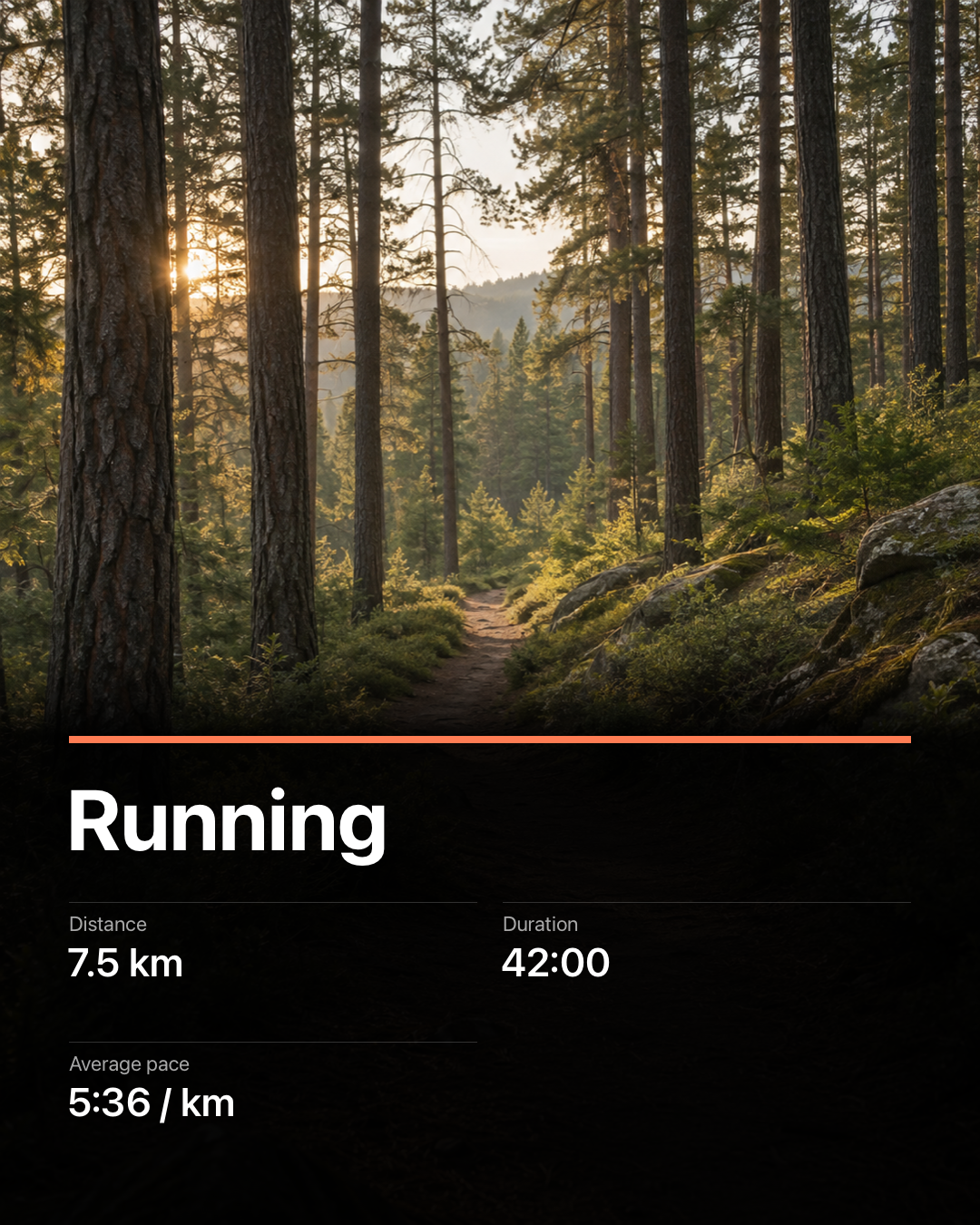
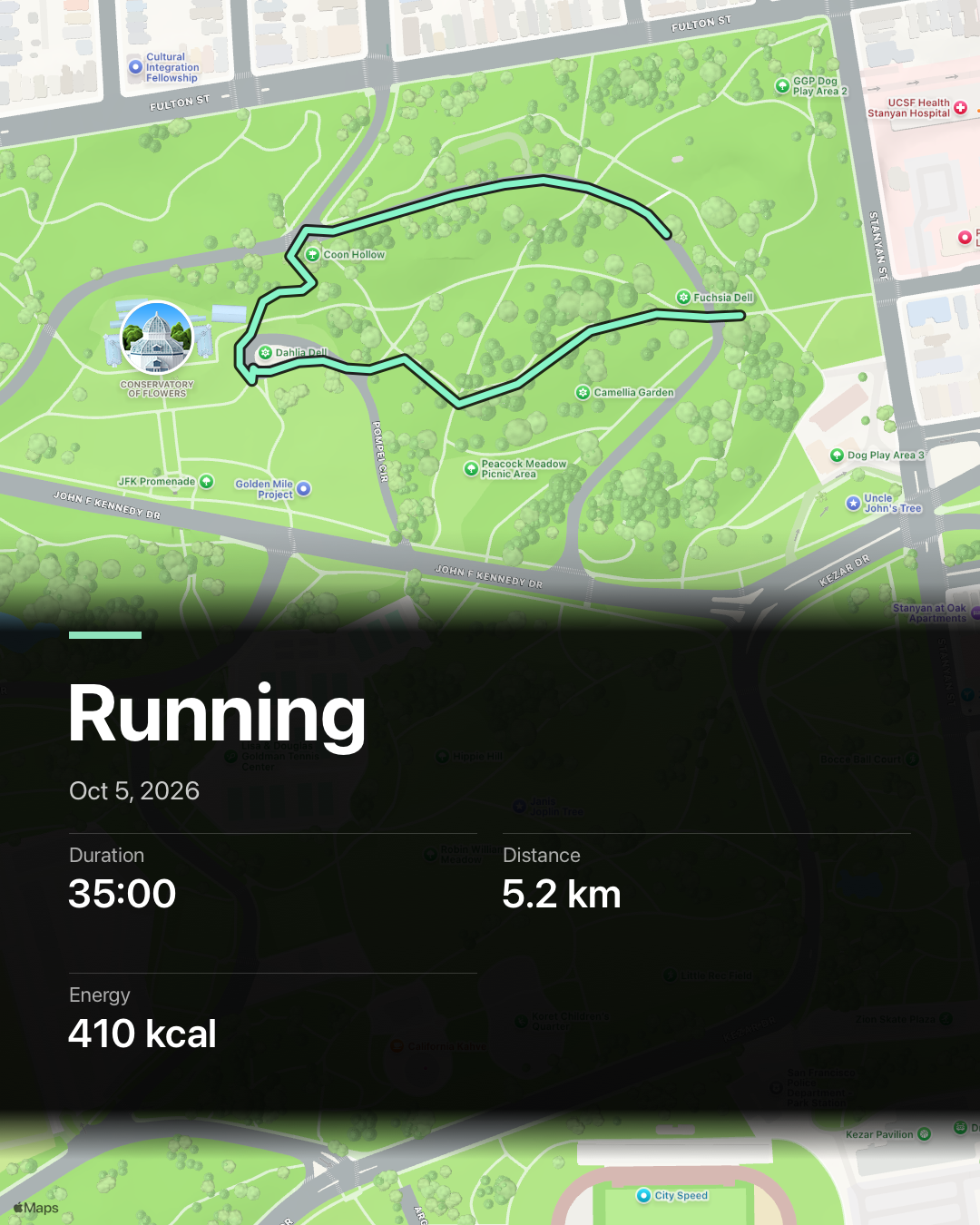
Syncing, file exports and Classic sharing are free. Optional Pro: monthly, yearly or lifetime.
Support
Current support information is available at workoutport.app/support/.
For support, bug reports, or feature requests, email result_change412@slmail.me.
Pro purchases can be restored in the app.
When reporting an issue
Please include, if possible:
- App version
- iPhone model and iOS version
- Apple Watch model and watchOS version, if applicable
- Workout type, export format, or connected service involved
- A short description of what happened
Health permissions
WorkoutPort needs Apple Health permission before it can read workouts, routes, and fitness metrics. You can review or change Health permissions in the Settings app on your device.
Exports and connected services
WorkoutPort can export workout files and sync with services you connect. If a service is unavailable or does not support a direct action, use the file export option shown in the app.
Privacy Policy
The current app privacy policy is available at workoutport.app/privacy/. The policy below remains available for existing app links.
Last updated: 2026-10-06
WorkoutPort is designed to keep your workout data private.
App data
WorkoutPort reads workout, route, fitness, and recovery data from Apple Health only after you grant permission. WorkoutPort stores its local cache, settings, export history, sync rules, upload status, and integration state on your device. I do not operate a backend server that receives or stores your Health data.
Exports and integrations
If you export files, connect a fitness service, or enable auto-sync, WorkoutPort sends only the data needed for the action or sync rule you enable. Connected service credentials are stored in the iOS Keychain on your device. Files you share or upload are then handled by the destination app, service, or your iCloud / device setup.
Strava privacy and retention
When you connect Strava, WorkoutPort may read the authenticated athlete's recent Strava activities and, for a small bounded set of matched activities, lat/lng/time streams only to prevent duplicate uploads and check map integrity. Map-integrity checks request only matched lat/lng stream counts. Route-coordinate and stream payloads used for these checks remain in memory and are never persisted or logged.
Other Strava-sourced activity, upload, and duplicate-candidate identifiers, response data, suspected-mapless findings, and Strava sync-log details are retained on your device for no more than seven days. When that data expires, a stale unresolved submission fails closed to manual verification instead of being uploaded again automatically; purpose-limited local duplicate-safety evidence may remain without the expired Strava identity or response data.
Before disconnecting Strava, changing the connected account, or completing a local privacy reset, WorkoutPort stops and drains automatic uploads, cancels background transfers, and then clears account-scoped upload and import outboxes, cached Strava identifiers and responses, map findings, pending notifications, Strava log entries, quota state, and credentials. For production OAuth connections, disconnect asks the WorkoutPort token broker to revoke the saved Strava refresh token when possible; local clearing still completes if that revoke attempt fails.
Strava may monitor and collect API Usage Data relating to WorkoutPort's use of the Strava API under Strava's own terms and privacy policy.
Health app import
If you choose to import a workout into Apple Health, WorkoutPort writes the workout details that you review and confirm. Apple Health and your iCloud / device setup then handle that imported Health data.
Optional feedback
If you choose Send Feedback, WorkoutPort previews the report before anything is sent. Reports include your typed message, app/category/report fields, optional email, and optional app/iOS/locale context. They do not include Health data, routes, workout files, screenshots, tokens, Strava identity, Apple ID, device identifiers, or persistent user IDs. A bounded sanitized diagnostic log is included only if you explicitly choose to attach it in the feedback preview.
Feedback is sent to a first-party feedback server, stored as JSON for support triage, and retained for 30 days by default.
Optional automatic diagnostics
Share Automatic Diagnostics is separate from feedback and is off by default. Nothing is sent unless you turn it on. You can turn it off independently, delete queued diagnostic reports, or use WorkoutPort's privacy reset. Turning it off stops new reports, cancels active diagnostic delivery, and erases queued unsent reports. This expanded crash-location reporting requires a fresh opt-in; previous consent and queued reports are cleared.
If enabled, WorkoutPort sends only fixed technical categories needed for App Functionality: app/build/source provenance, iOS major/minor version, coarse device/channel/launch context, fixed issue/stage/error categories, bounded duration/age/count buckets and breadcrumbs, and an optional normalized MetricKit crash, hang, CPU, disk, memory, or background-exit category signature. Each report uses a fresh random nonce and a nonreversible support code. Reports do not include Health samples, workout identity or attributes, dates, durations, distances, energy, routes or coordinates, FIT data or hashes, files or paths, URLs, account or Strava identity, tokens, exact event times, arbitrary logs or strings, full call stacks, symbols, raw MetricKit payloads, or a user, device, installation, account, persistent, or rotating identifier.
Crash reports may include at most eight unique pairs of the current app binary's UUID and a text-segment offset from the attributed crash thread, with offsets limited to 0–67,108,863. These identify locations in shared app code, not people or devices. Reports exclude absolute addresses, binary names, paths, symbols, third-party or system frames, and raw call-stack trees. Crashes from older app versions or builds are omitted. MetricKit reporting requires at least 24 continuous hours of consent and omits reports covering time before consent.
The isolated first-party WorkoutPort diagnostics receiver uses Cloudflare as its infrastructure processor. Accepted raw reports are retained for less than 30 days. Anonymous report-count aggregates that contain no nonce or support code are retained for no more than 90 days. The receiver does not store raw IP addresses, request bodies, user agents, or cookies in report rows or application logs; a short-lived nonreversible network-source value is used only for abuse-rate windows. The authenticated dashboard exposes report counts, never users, devices, installations, workouts, support codes, or raw reports.
To request deletion of an already received raw diagnostic report, contact support and provide its support code. The code identifies only that report and is deleted with it.
Purchases
Apple handles optional WorkoutPort Pro and Support Development purchases through StoreKit. Pro unlocks advanced creative and personalization options. Support Development tips do not unlock features. These purchases do not create a supporter account, send supporter analytics, or give WorkoutPort your payment card details.
Support email
If you contact support, I receive your email address and any information you include in your message. I use that information only to respond to your request and troubleshoot the issue you reported.
Third parties
WorkoutPort does not include analytics SDKs or advertising trackers.
Website privacy
For website hosting and click measurement, see the website privacy notice.
Contact
For privacy or support questions, email result_change412@slmail.me.